Changelog
Follow new updates and improvements to Zensimu.
Our simulations are sometimes hosted as part of multi-day seminars, or on conference/event booths. In this case, you may want to showcase a leaderboard on a separate screen or TV.
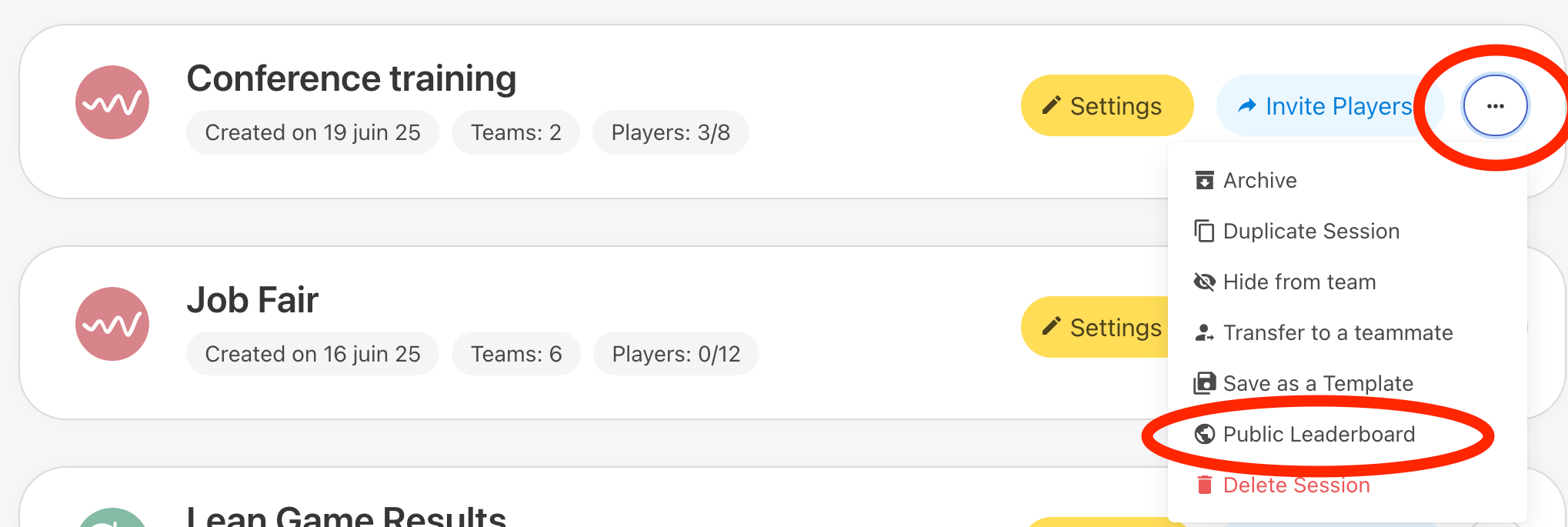
You can now generate the link to a public leaderboard for each session, from inside the session menu:
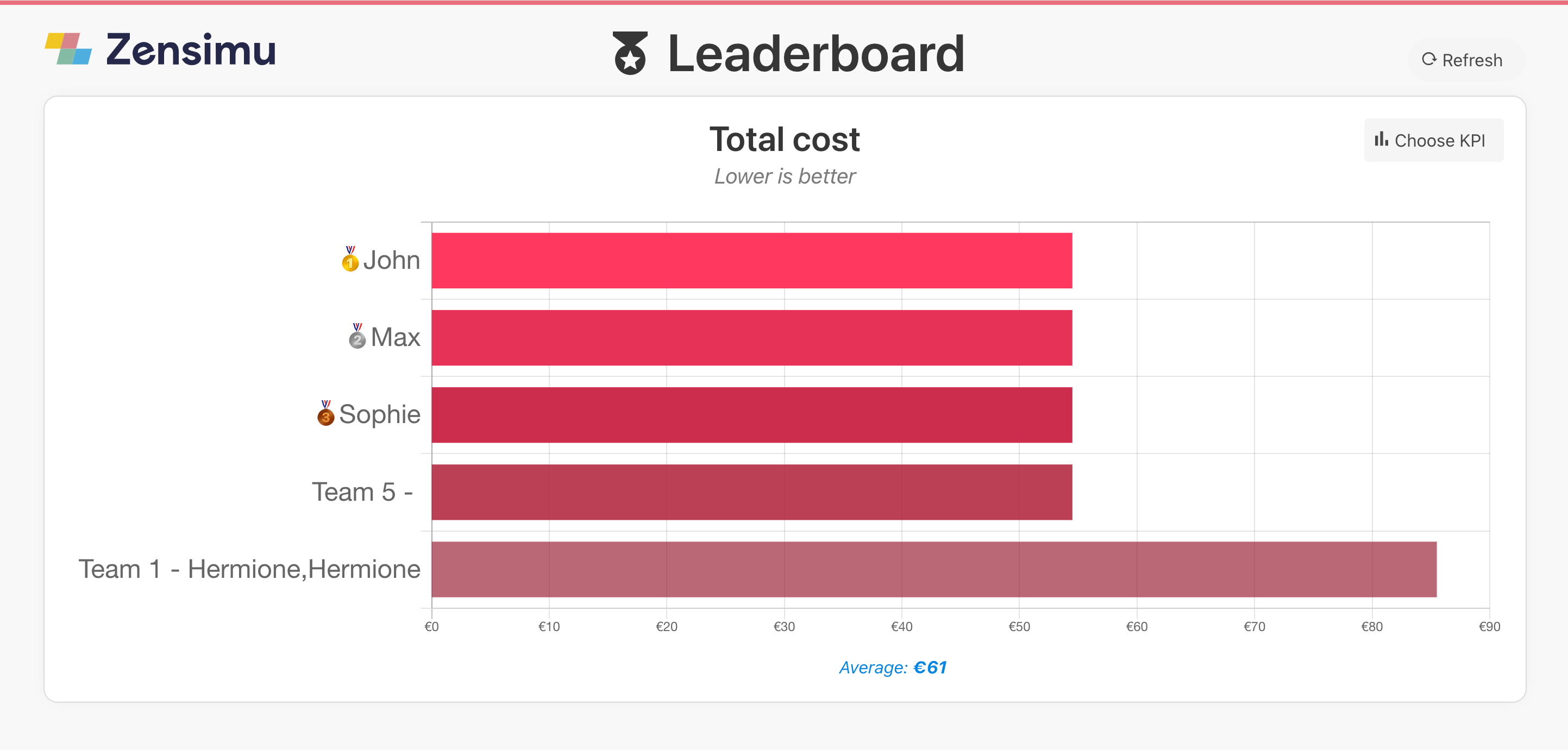
See below how the leaderboard looks. Note that it will use your branding color and logo if you have setup one.
The leaderboard refreshes every minute to load the latest results automatically.
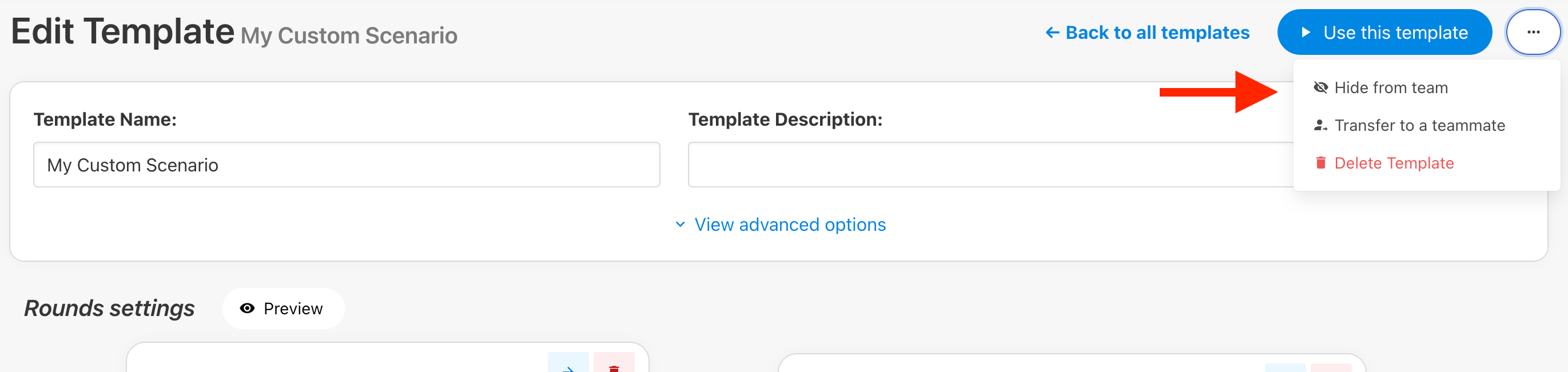
If multiple instructors are part of your team/license, you may want to share or keep your templates private.This can be useful if you only want a single standard scenario to be available for all, but allow individual instructors to also save their favorite parameters inside their accounts.
In addition, templates can now be transferred from one instructor to another (when they are part of the same team).
These two options are also accessible for individual sessions.
Some companies are deploying Zensimu's games further inside their organization, and multiple instructors may be accessing the platform to collaborate, host and create sessions.
When you need to host bigger events, it can be useful to have several instructors monitor groups or edit the parameters of the session before it starts.
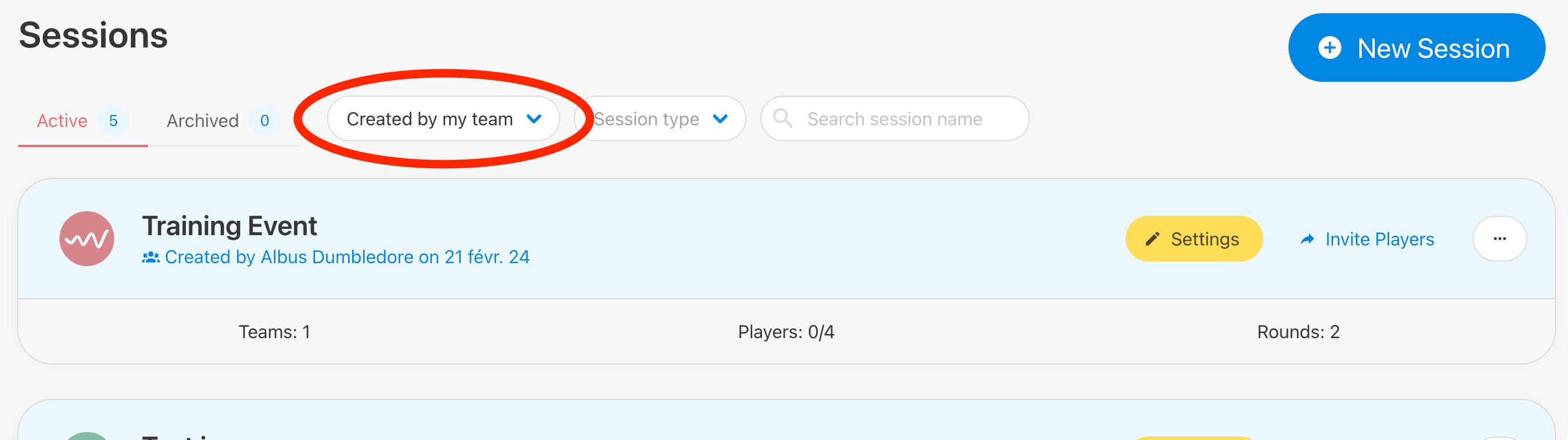
You can access the sessions created by your teammates from your dashboard:
We have upgraded the roles and permissions, to allow all instructors from the same team to:
Access session invite links,
Remove players,
Access monitoring functions such as Pause or Start Timer,
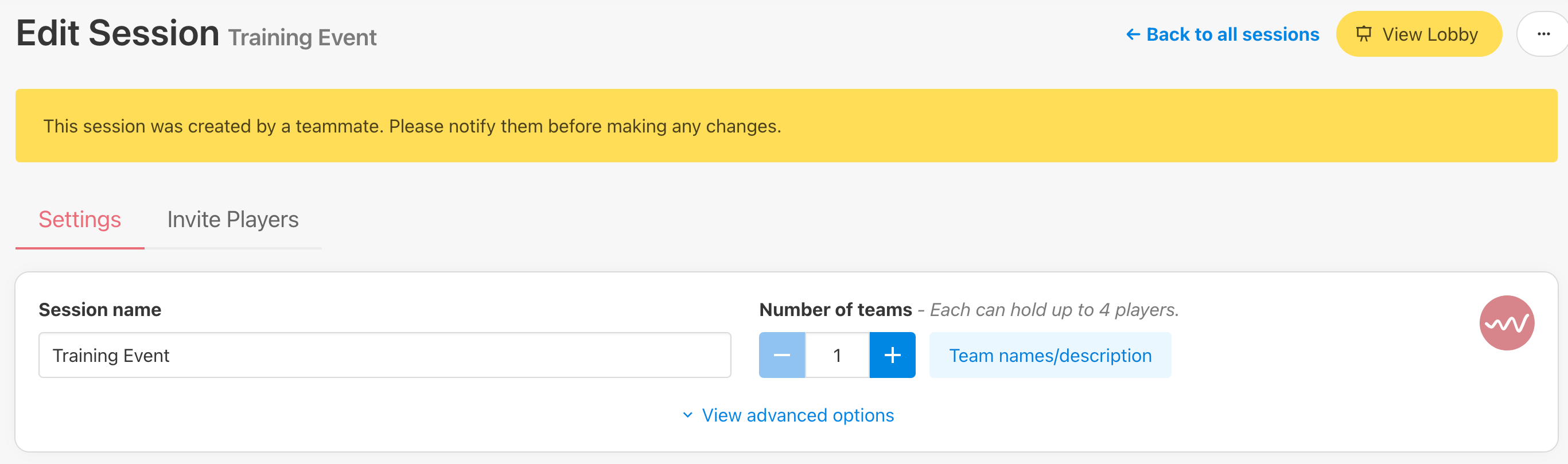
Edit the settings of templates/sessions
A warning message is shown to avoid any wrong manipulation: